
Download S3 Browser – Amazon S3 client, cloud storage management, file transfer, multiple S3 accounts, drag and drop, direct publishing, data organization, cloud collaboration, productivity tool
Overview
S3 Browser is a mobile application designed to streamline the management of Amazon Web Services’ (AWS) Simple Storage Service (S3). Built for users who rely on cloud-based data storage, the app serves as a dedicated client that enhances accessibility and control over S3 buckets from mobile devices. Its primary purpose is to simplify the handling of large-scale file operations, making it a valuable tool for professionals managing distributed data across multiple projects or teams.
The app is especially suited for developers, cloud administrators, content managers, and remote teams who need to monitor, organize, and transfer files between S3 accounts efficiently. By consolidating multiple S3 accounts into a single interface, S3 Browser reduces the need to switch between platforms or use web-based dashboards, thereby improving workflow continuity. Real-world use cases include backing up project assets, sharing files with clients, and deploying static content directly from the cloud.
As a productivity-focused tool, S3 Browser fills a niche in the mobile app ecosystem by bringing AWS S3 functionality to smartphones and tablets. While the developer, S3 Browser, has not provided additional background details, the app’s feature set indicates a targeted focus on enterprise-grade cloud operations. Its ability to manage millions of files and support cross-account transfers underscores its relevance in modern cloud workflows.
Key Features & Functionality
- Multiple Account Support: Users can configure and switch between multiple Amazon S3 accounts within the app, enabling centralized management of diverse storage environments. This is ideal for teams handling different clients or departments with independent S3 buckets.
- Efficient File Processing: Engineered to handle large-scale file operations, the app supports the processing of several million files without significant performance degradation, making it suitable for bulk uploads, downloads, and metadata updates.
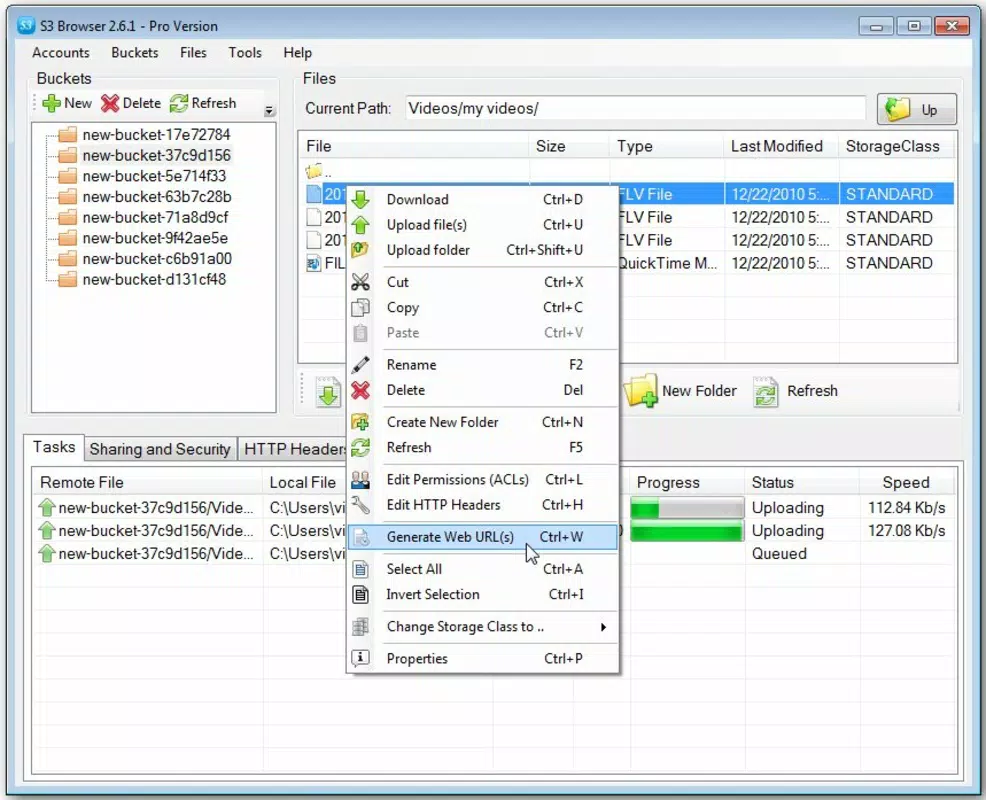
- Drag and Drop Functionality: A core UX enhancement allows users to transfer files between accounts or folders by simply dragging and dropping, significantly reducing the time and complexity of data movement.
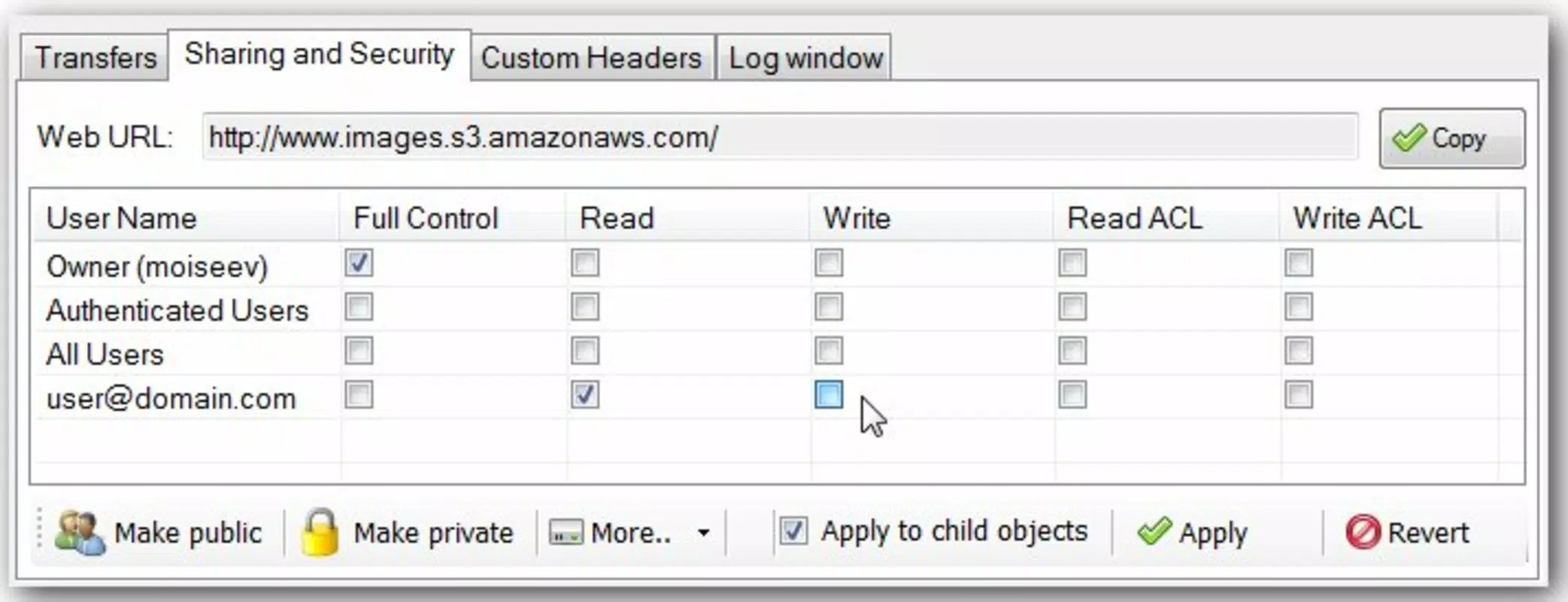
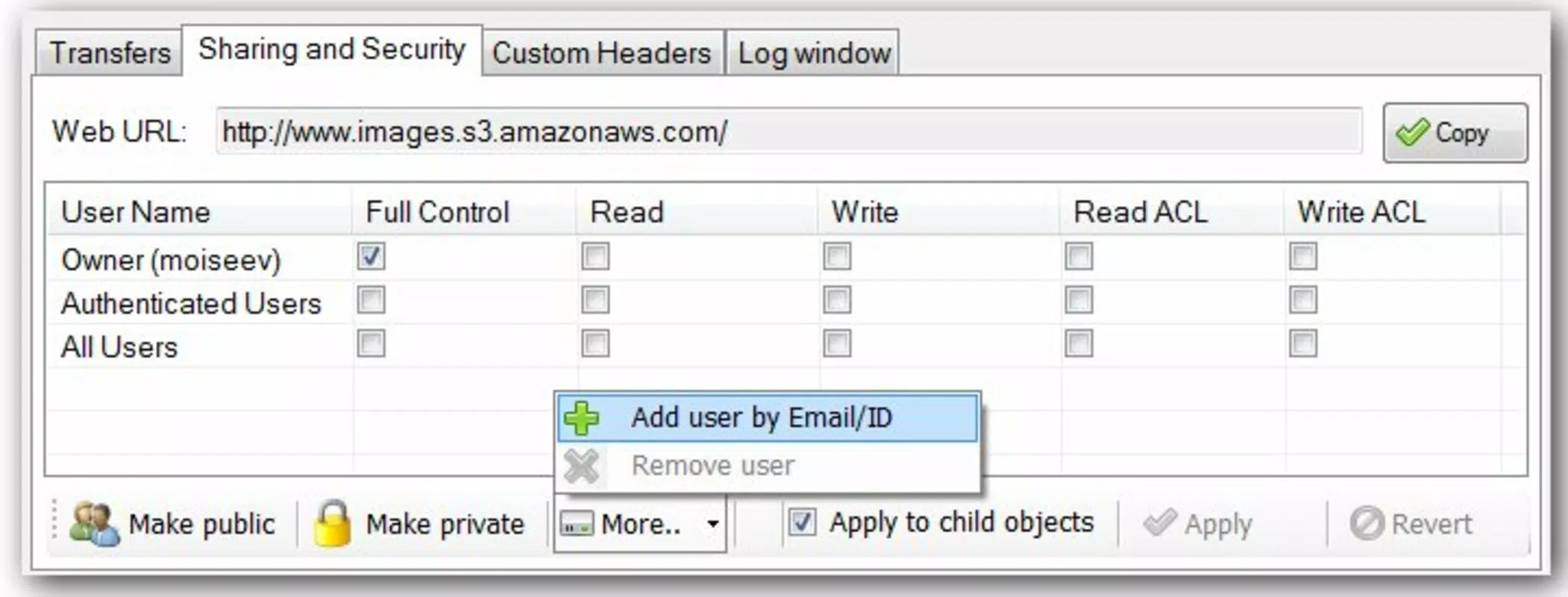
- File Sharing and Collaboration: The app enables users to share designated file groups—referred to as “cubes”—with other team members, facilitating secure, targeted collaboration on shared projects.
- Direct Content Publishing: Users can publish content directly to S3, bypassing intermediate tools. This feature ensures that web assets, media files, or documentation are quickly made accessible via public URLs.
For example, a content manager could use the app to upload a batch of images to a staging bucket, verify their placement, and then publish them directly to a live website. Similarly, a developer managing multiple client projects can switch between accounts instantly and transfer assets between environments with minimal effort.
Interface, UX & Performance
The user interface of S3 Browser is designed with functionality and clarity in mind, prioritizing ease of navigation and visual organization. Files and buckets are displayed in a hierarchical structure, allowing users to drill down into folders and view metadata such as file size, last modified date, and storage class. The layout is optimized for touch interaction, with responsive buttons and clear visual cues for actions like upload, download, and share.
Navigation is intuitive, with a bottom navigation bar or sidebar menu providing quick access to connected accounts, recent files, and settings. The drag-and-drop feature is implemented smoothly, responding to touch gestures with minimal lag. Although the developer did not list formal performance metrics, the app appears to maintain stability during extended sessions involving large file sets.
Performance across different device categories is not formally disclosed. However, the app’s lightweight size of 22.5 MB suggests efficient resource usage, which may contribute to consistent responsiveness on mid-tier and high-end Android devices. Users can expect reliable operation during standard file management tasks, though real-time performance under extreme load conditions remains unverified.
Platform Compatibility & Technical Requirements
S3 Browser is available exclusively on the Android platform. The current version is 1.0.0, with a file size of 22.5 MB. The developer did not specify minimum OS requirements, so compatibility with older Android versions cannot be confirmed. Users are advised to ensure their device meets the system standards required by the latest Android release to avoid installation issues.
Given that the app is free and designed for cloud management, it likely requires a stable internet connection for full functionality. The absence of specific hardware or permission details means that users should review the app’s access requests upon installation. The app’s mobile-first design implies it is optimized for smartphones and tablets, though tablet-specific layout details were not provided.
Pros and Cons
Pros
- Supports multiple Amazon S3 accounts in one interface
- Efficient handling of large file volumes
- Intuitive drag-and-drop file transfers
- Enables direct content publishing to S3
- Free to download and use
Cons
- Platform availability limited to Android
- Specific OS version requirements not disclosed
- No information on background sync or offline capabilities
- Developer details not publicly available
- File sharing mechanism described abstractly (“cube”)
FAQ
Is S3 Browser available for iOS?
As of the release date, S3 Browser is only available on the Android platform. There is no official iOS version currently listed.
Can I use S3 Browser without an Amazon Web Services account?
No. The app requires an active Amazon S3 account to function. It serves as a client tool and cannot operate independently of AWS infrastructure.
Is the app secure for handling sensitive data?
S3 Browser leverages AWS’s native security protocols for authentication and data transmission. Users are advised to follow AWS best practices, including using IAM roles and secure access keys.
How often is the app updated?
The developer has not provided information on update frequency. Users should check the app store for the latest version and release notes.
Does S3 Browser support offline file management?
Specific details about offline functionality were not included. The app likely requires an active internet connection for all operations.
Final Thoughts
S3 Browser stands out as a focused, efficient tool for professionals managing Amazon S3 storage on mobile devices. Its ability to handle multiple accounts, process large files, and enable seamless file transfers makes it a powerful addition to any cloud workflow. While its Android-only availability and lack of detailed technical disclosures present some limitations, the app delivers strong value for its target audience.
For developers, content creators, and cloud administrators who need mobile access to their S3 environments, S3 Browser offers a streamlined, secure, and productive experience. Its free pricing model further enhances its accessibility, making it an attractive option for teams seeking to optimize cloud operations.
Download S3 Browser now


